
 Screen Recorder - G1REC✓Video Players & Editorsget more information↓ get more information
Rating⭐️ 4.5
Downloads10
Version7.2.0
Size69MB
About This App
App NameScreen Recorder - G1REC
CategoryVideo Players & Editors
File Size69MB
Version7.2.0
Related Apps




Description
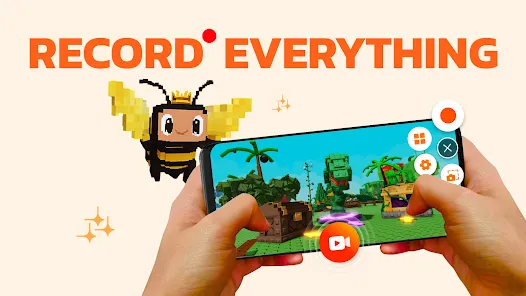
Screen Recorder - G1REC is an All-in-one screen recorder that helps users to record the screen of their mobile devices. It offers features like screen recording, screenshot capturing, video editing, voice changer, video compress, video to mp3, video to GIF.
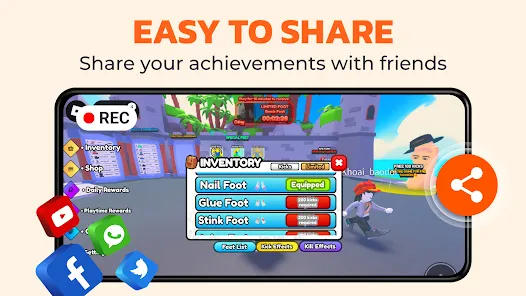
With G1REC, you can easily share high-resolution videos with no watermark on platforms such as Youtube, Snapchat, WhatsApp, Facebook, TikTok, etc. Unleash your creative potential and record screen like an expert with screen recorder!
KEY FEATURES:
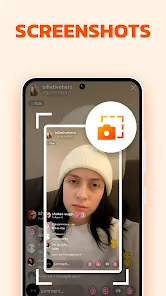
- Capture Screenshot quickly with Floating button
- Record videos with sound.
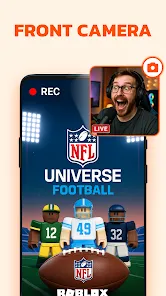
- Face camera, perfect for YouTubers.
- Record internal audio on Android 10+.
- Draw during recordings with the Brush Tool.
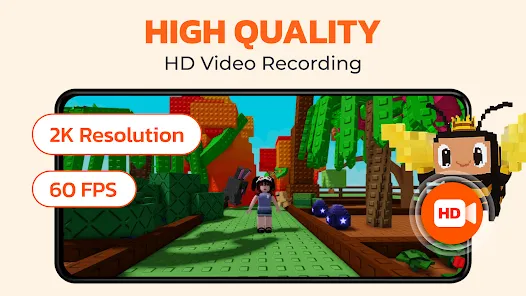
- Record in high quality: 1080p, 60FPS, at 12Mbps.
- Option to conceal floating button during recording.
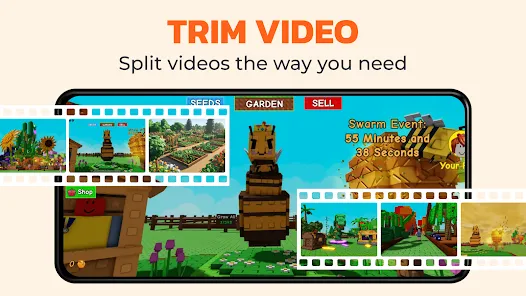
- Edit videos after recording.
- Voice changer for funny videos.
- Video to GIF: Make your videos to GIF.
- Video to MP3: Extract music from your videos.
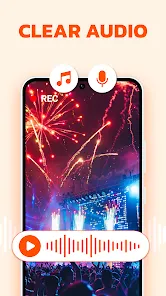
🔊 Screen Recorder with Audio: Want to record gameplay or tutorials with audio? G1REC ensures your voice and internal sounds are captured clearly. Dive in and make your videos with this comprehensive audio-inclusive tool.
🎬 Video Recorder for game: G1REC offers top-tier game screen recording with HD quality.
🔉Video to MP3 Converter: Extract audio from videos using our Video to MP3 feature. Convert songs, lectures, or dialogues to high-quality MP3s for on-the-go listening. Simply upload, convert, and enjoy!
🤳 Facecam recording screen recorder: Employ the Facecam feature to include your reactions on a movable and resizable overlay window.
📽 Screen Video Recorder with no Watermark: Desire a no-watermark recording? It's your go-to for efficient screen recording or screenshot taking.
🎞 Video to GIF Converter: Easily transform video clips into looping GIFs with our Video to GIF feature. Record memorable moments in a compact, shareable format, perfect for social media, messaging, or websites.
We continuously aim to enhance the user experience based on feedback. Users can share their insights or report issues faced while using Screen Recorder via email at screenrecorder@app.ecomobile.vn
Screen Recorder - G1RECVersion: 7.2.0↓ get more informationSafely Download Popular Apps



Everything for Your Mobile Life

All Apps
 Improve Photos - Nero LensRating⭐️ 4.3Downloads500MCategoryTools
 Enhance Photo, Image EditorRating⭐️ 4.7Downloads500MCategoryTools
 Improve AI PhotosRating⭐️ 4.3Downloads500MCategoryTools
 Concentration TrainingRating⭐️ 4.8Downloads500MCategoryTools
 Brainwell - Brain TrainingRating⭐️ 3.6Downloads500MCategoryTools
 Shortical Drama TV Short ReelsRating⭐️ 4.8Downloads500MCategoryTools
 GoodNovel - Booktok, StoriesRating⭐️ 4.6Downloads100MCategoryBooks & Reference
 Puffin Flash BrowserRating⭐️ 1.4Downloads100MCategoryCommunication
 AfterpayRating⭐️ 4.5Downloads98MCategoryTools
 Carnival HUBRating⭐️ 4.9Downloads88.3MCategoryTools